It Sucked. And Apple Made it Worse
Siri has been switched off for years, probably since its debut). Scheduling an appointment meant having every bit of information perfectly lined up, and a single tiny mistake could blow the whole thing up. And that’s not even mentioning the awful voice recognition, whether it’s my half-mumbled, slangy Parisian French or my clumsy French-accented English. Every time I tried it, it failed miserably, calling the wrong person or scheduling the wrong date or place.
Even recently, with the rise of AirPods, I tried using them for simple things like lowering the volume or skipping tracks. It was still faster to just grab my phone and do it manually. And the news says the situation isn’t over yet.
A few weeks ago, I got tired of typing all my prompts and mentioned in the Hacker News discussion following my vibe coding article that the ultimate feature would be the ability to talk with Claude Code without ever breaking the flow, even while eating a sandwich (that’s how addictive vibe coding is). Someone named Rmoritz replied that Armin Ronacher was apparently using a macOS Whisper-based app to vibe code.
Then ChatGPT Got It Right
I loved the idea, even though my Siri PTSD was still strong at the time: if I can’t even book a meeting by voice, how could I possibly give instructions to an IDE with much more complex information and many more opportunities to fail, since coding involves using 🐪 camelCase, 🐍 snake_case, or even 🍢 kebab-case, which can be trickier than the name of a restaurant? What if I can’t get my thoughts straight enough to give proper voice instructions without omitting anything? And how lame and punchable would I look, talking to my laptop?

Of course, I knew how good voice interaction could be thanks to ChatGPT, which probably offers one of the best voice experiences with low latency and can understand me whether I speak French, English, or even the little I know of Korean or Japanese. But I never used it much, preferring the text interface since I rely on it heavily for documents, and reading is still much faster than listening to the AI’s slow-paced voice.
Wispr Coding
Then I installed Wispr Flow and my life changed. To be honest, I don’t know what made me choose this one rather than another (I am not a stakeholder, and I don't know anyone from this company), but I love it so much that I haven’t even taken the time to compare all the solutions on the market.
The most impressive part is how good it is at cleaning up my messy thoughts, mumbling, and hesitations to turn them into a clean prompt. It’s not rewriting or paraphrasing, so in a way it’s just as good as what comes out of my mouth. It doesn’t make me write like Shakespeare, but it intelligently removes the unnecessary parts.
For instance, while I’m vibe coding and dictating a prompt, I often pause, correct what I just said, search for the name of a file or a function, and somehow I usually end up with a streamlined prompt that’s absolutely faithful to my intentions. The best part is that by speaking, I add so much more detail and description that my prompts are probably twice as rich, simply because I don’t have to type everything.
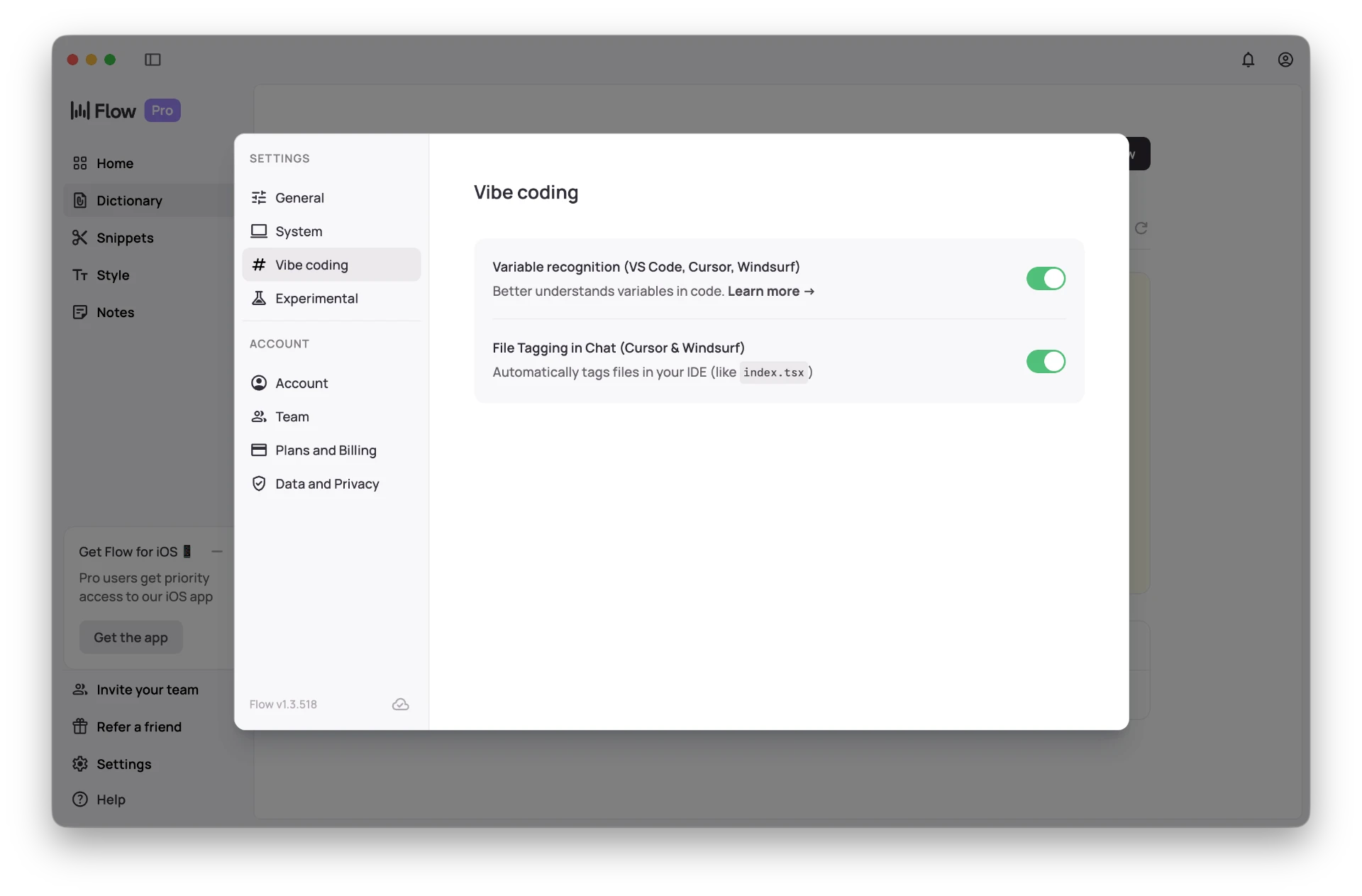
And speech-recognition-wise? I use it in English (I somehow find it odd to speak French to my computer), and Wispr Flow is as reliable as it gets. The icing on the cake is that it connects to your VS Code or Cursor and has, to some extent, the context of your IDE. Therefore, it usually writes filenames, methods, and variables the right way: NoteEdit, rounded-sm, useState, ALLOWED_DOMAIN. We’re not talking about a 100% success rate (I think we’ve let go of that idea since entering the probabilistic era of LLMs), but it’s still darn impressive.
The Sound of Thought
The other main issues with voice are privacy and the public nuisance of someone giving instructions in, say, a restaurant. Once again, Wispr Flow works some magic here: it’s remarkably good at understanding your mumbling. You don’t need to speak out loud with a clear voice. I can give my instructions in the softest voice possible, barely moving my lips, and get the exact same result. I’m even sure that if I were sitting next to myself, I wouldn’t be loud enough to understand what I was mumbling. I wouldn’t do it in a library or risk sharing intimate details while commuting on the subway next to someone for sure, but you could definitely use it in a restaurant without annoying anyone.

Also, Wispr Flow’s interface on macOS is, in my opinion, perfect [probably some other apps are as good or even better, DM me some names!]. Once again, it’s the only speech-to-text app I’ve installed, but I’m fully satisfied with its great balance of visibility and discretion. At the bottom of the screen, there’s a small horizontal rounded bar. When you click on it or press the record shortcut (for me it’s fn + control), the bar displays a small recording graph. That’s pretty much it visually, and that’s all you need.
Why Voice Is Inevitable
But this isn’t a Wispr Flow review, and I’m sure many competitors are doing just as well. It’s a personal take on how good voice interfaces have become and why everyone should give them another try if they haven’t switched yet. Like I said, I was far from being a believer in voice input, yet it has suddenly become my default way to prompt. It’s even starting to turn into a habit for writing notes (this post included).
I love it so much that I now expect this level of quality in voice commands to be standard into everything, even if I still prefer written replies (keep your voice memos on WhatsApp to yourself!). For the longest time I was convinced voice was a terrible idea, but the problem wasn’t the interface, it was a technological barrier that disappeared within just a few years.
And this shift goes far beyond our phones or laptops. With household robotics starting to emerge, voice feels like the most natural interface we could build. You don’t want to interact with a robot through an app, talking to it is the most direct and human form of communication. As machines start to move, see, and act in the physical world, the fact that voice interfaces are finally this good makes them not just convenient but strategic and at this point inevitable.
From now on, when people claim that future devices will be voice first, I won’t be part of the opposition anymore.
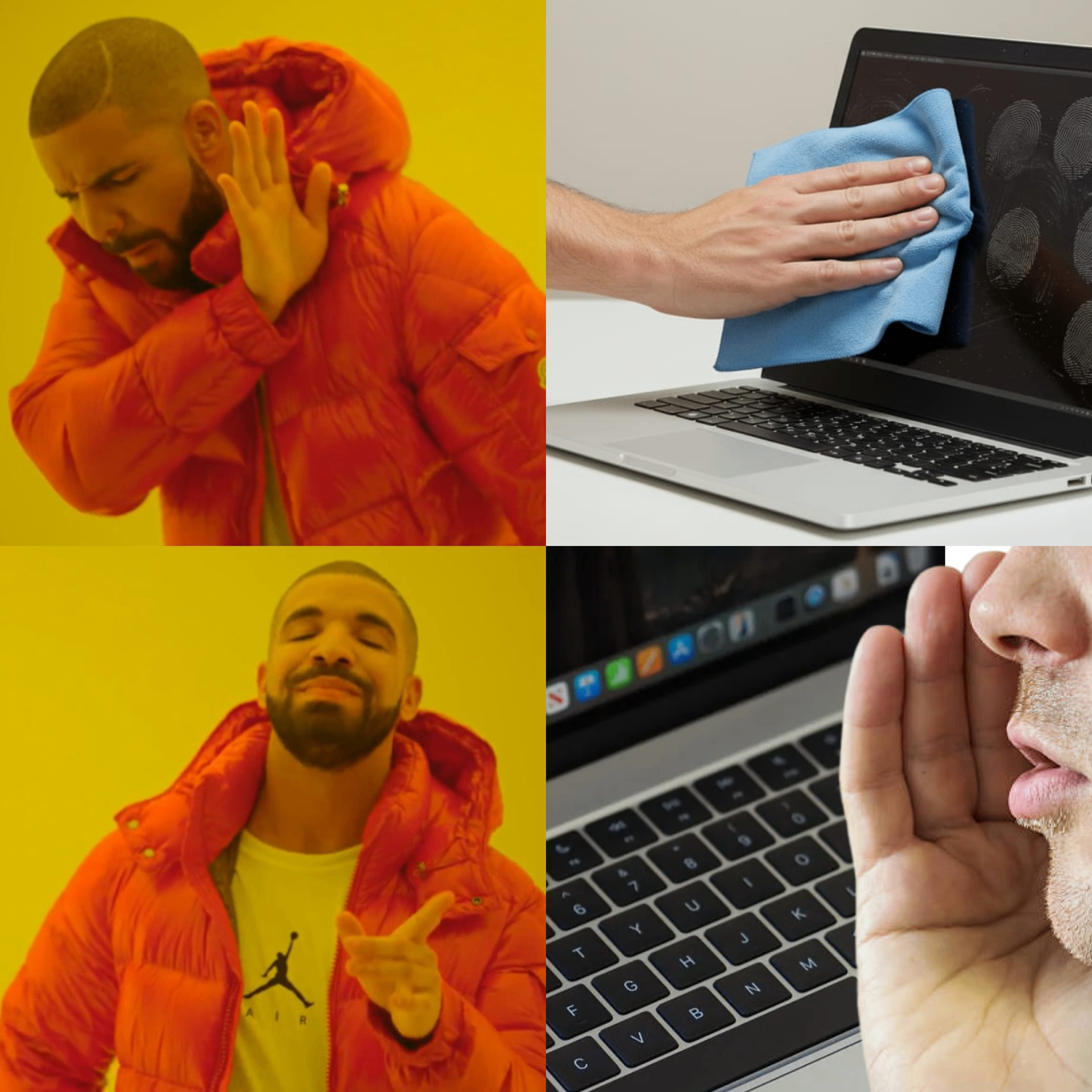
I don’t want my MacBook to have a touchscreen, as rumored, and get greasy fingerprints all over the display. Give me a state-of-the-art Siri instead!